TeachersAI is built around three core user roles within a school account. These roles define what users can see and do by default.
School Admins can also create additional roles and adjust permissions in the Settings area, but the roles below form the foundation of how TeachersAI operates.
School Admin
School Admins oversee the structure, access, and configuration of TeachersAI for the school.
School Admins can:
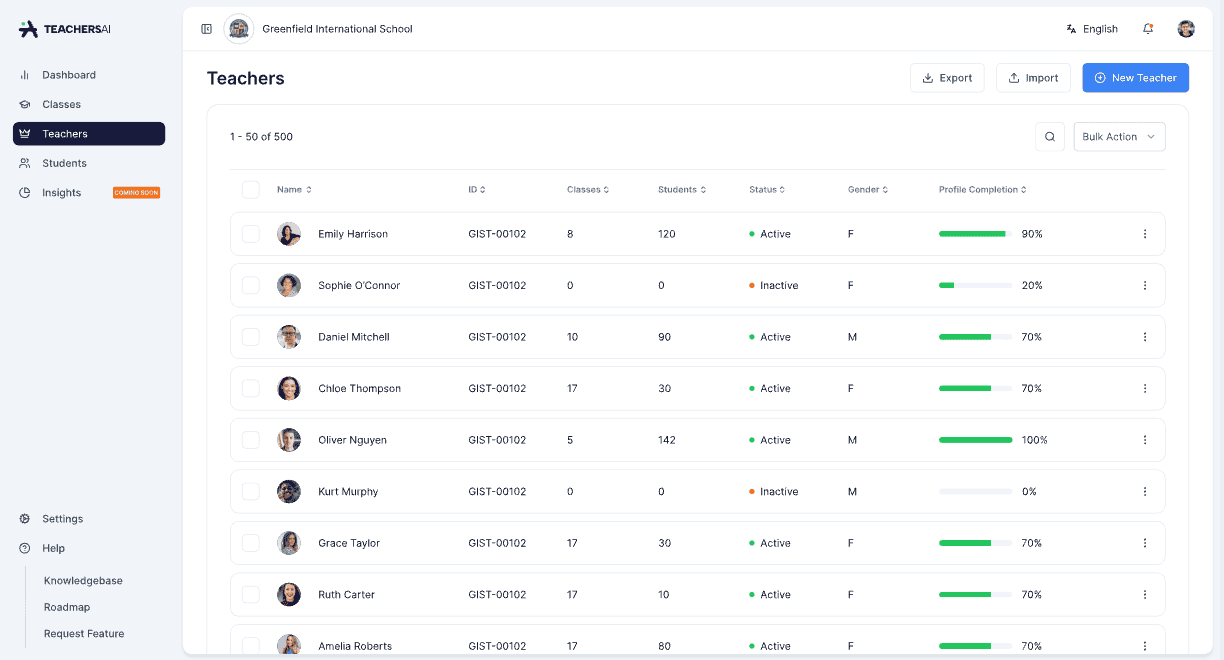
Add, edit, deactivate, and remove users
Manage teachers and student enrolments
Create and manage classes
Configure school-wide settings
View school-level activity and insights (expanding over time)
Most schools only require one or two School Admins. Day-to-day teaching and assessment does not require admin access.
Teacher
Teachers focus on teaching, assessment, and feedback.
Teachers can:
Create and manage their own classes
Create assessments and rubrics
Mark student work, with or without AI assistance and provide feedback
View results for their classes
Teachers cannot manage users, enrolments, or school-wide settings unless explicitly granted additional permissions.
Student
Students interact only with learning tasks and feedback.
Students can:
Access assessments assigned to them
Submit work digitally
View feedback, results, and grades (as enabled by the school)
Students cannot create content, manage users, or change system settings.
Custom Roles and Permissions
In addition to these core roles, School Admins can:
Create additional roles
Adjust what each role can access
Assign permissions based on school needs
This allows schools to tailor TeachersAI to their internal structures while maintaining a clear and consistent foundation.
Summary
TeachersAI is built on three core roles:
School Admin – structure and oversight
Teacher – teaching and assessment
Student – learning and feedback
All other roles and permissions build on top of this foundation.